





Introduction
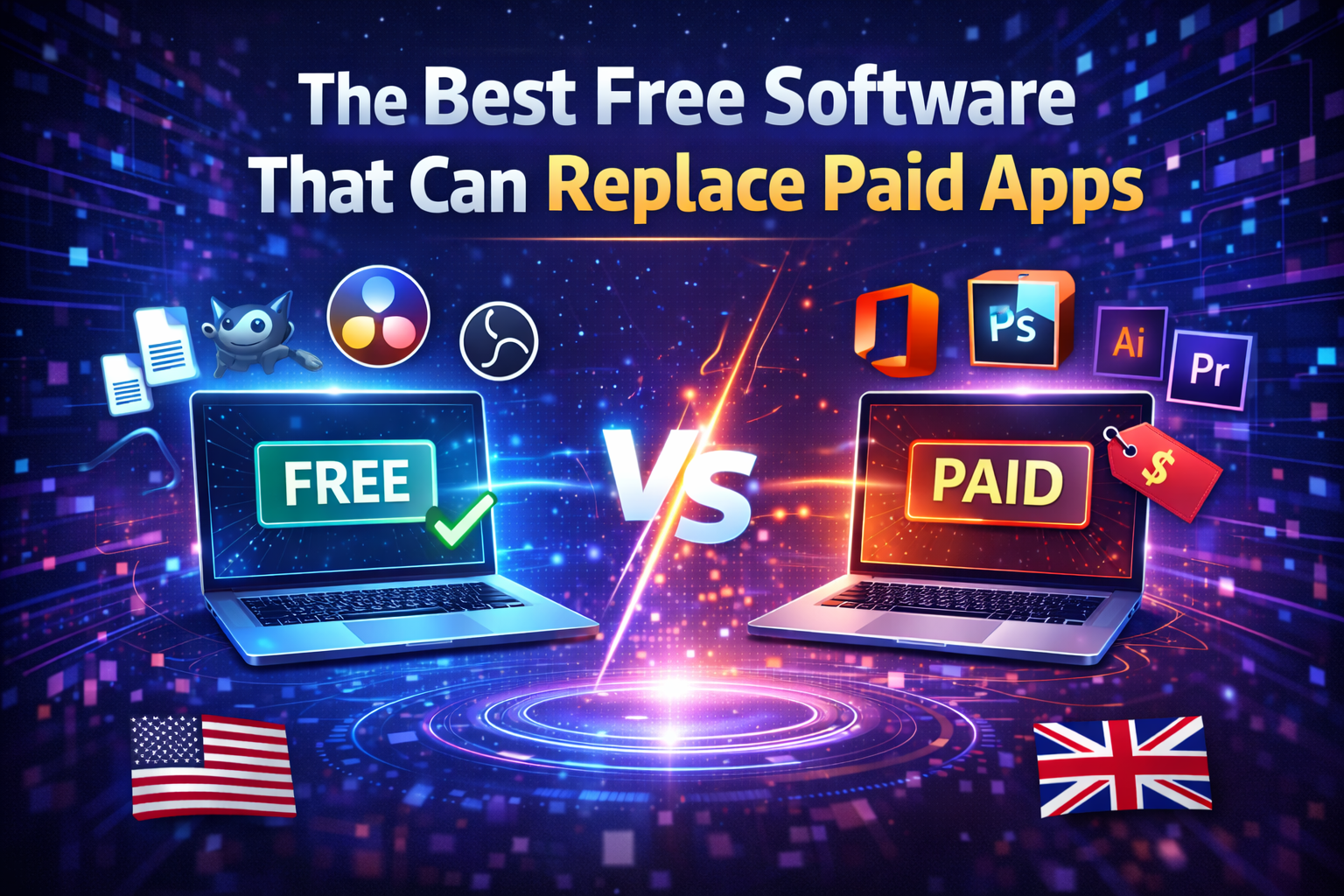
Why pay for software when you can get equally powerful tools for free? Whether you’re a student, freelancer, small business owner, or just someone who loves saving money, there’s a growing range of free software alternatives that can replace expensive paid apps. From office suites to design programs, video editors, and productivity tools, you can get professional-level features without spending a dime. Here’s our guide to the best free software you can use in 2026, especially for users in the USA and UK.
1. LibreOffice (Alternative to Microsoft Office)
- What it does: Word processing, spreadsheets, presentations, and more.
- Why it stands out: Fully compatible with Microsoft Office formats, regularly updated, and open source.
- Best for: Students, professionals, small businesses.
2. GIMP (Alternative to Adobe Photoshop)
- What it does: Image editing, graphic design, photo retouching.
- Why it stands out: Powerful editing tools, supports layers, filters, and plugins.
- Best for: Designers, photographers, hobbyists.
3. DaVinci Resolve (Alternative to Adobe Premiere Pro)
- What it does: Video editing, color correction, audio post-production.
- Why it stands out: Professional-grade video editor with no watermark in free version.
- Best for: Video creators, YouTubers, filmmakers.
4. Inkscape (Alternative to Adobe Illustrator)
- What it does: Vector graphic design and illustration.
- Why it stands out: Full-featured design tool with a strong open-source community.
- Best for: Graphic designers, illustrators, digital artists.
5. Blender (Alternative to Autodesk Maya / 3D Software)
- What it does: 3D modeling, animation, rendering, and even game development.
- Why it stands out: Professional-grade 3D software, constantly updated with tutorials.
- Best for: 3D artists, animators, game developers.
6. OBS Studio (Alternative to Camtasia / Screen Recording Software)
- What it does: Screen recording and live streaming.
- Why it stands out: Supports multiple video sources, overlays, and live streaming.
- Best for: Content creators, educators, gamers.
7. Audacity (Alternative to Adobe Audition / Audio Editing)
- What it does: Audio recording, editing, and mixing.
- Why it stands out: Easy to use, open-source, supports multi-track editing.
- Best for: Podcasters, musicians, voice-over artists.
8. Notion (Alternative to Paid Project Management Tools)
- What it does: Note-taking, task management, databases, team collaboration.
- Why it stands out: Flexible, easy to customize, and free for personal use.
- Best for: Students, teams, freelancers.
Conclusion
Switching to free software doesn’t mean sacrificing quality. Tools like LibreOffice, GIMP, and DaVinci Resolve offer professional-grade features without the subscription cost. For users in the USA, UK, and worldwide, these apps are perfect for work, creativity, and learning—helping you save money while staying productive and professional.
Pro Tip: Start by replacing one paid app at a time. Test the free alternative, see if it meets your needs, then gradually switch over to save costs without losing efficiency.